Home / Blog / Pet Photo Phone Cases: Turn Your Favourite Pet Pictures Into Lasting Memories
Personalised Phone CasesPet Photo Phone Cases: Turn Your Favourite Pet Pictures Into Lasting Memories
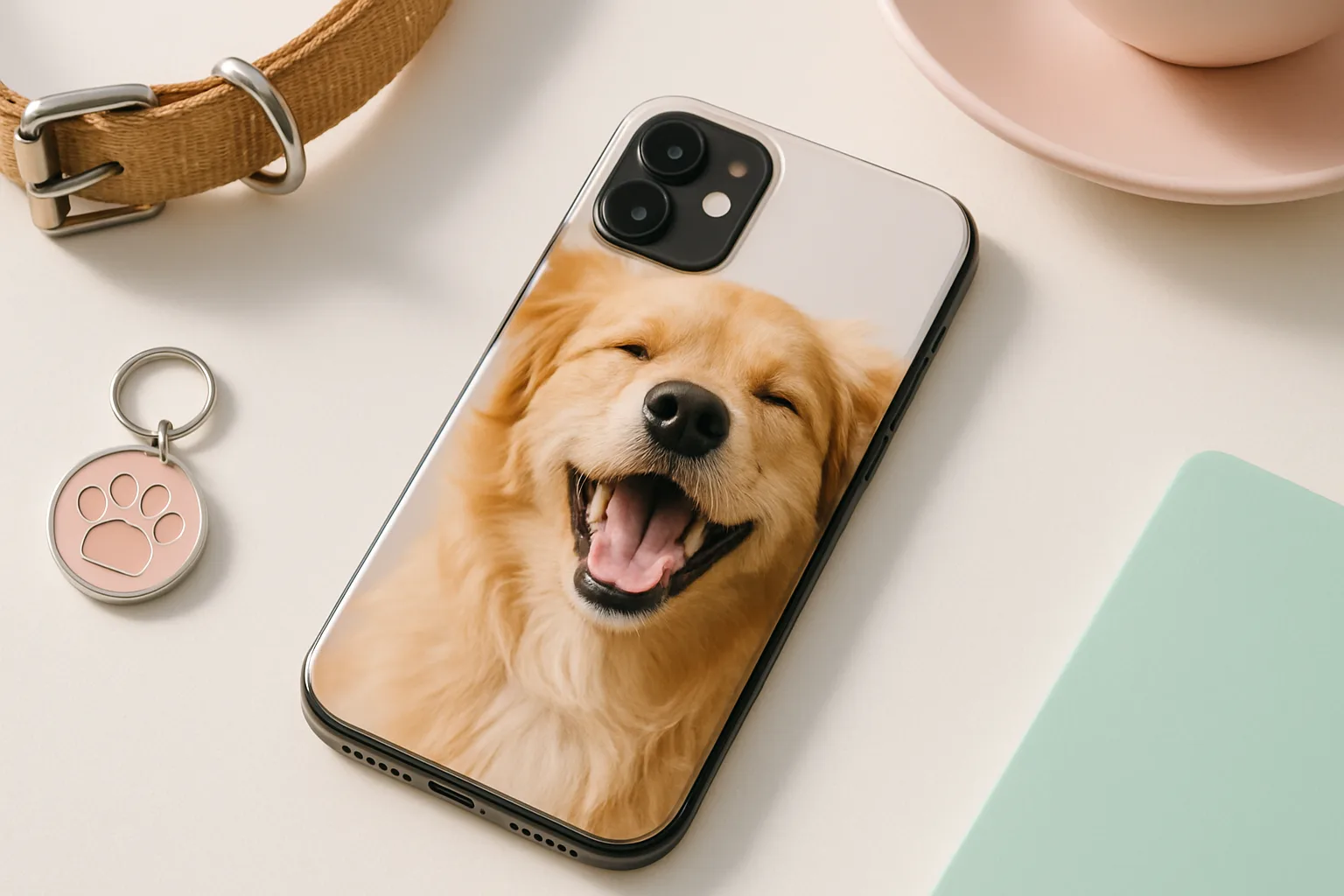
A pet phone case is more than a cover. It is a tiny frame you carry everywhere, with the face you never get tired of seeing. Whether you want a dog photo phone case that shows off a goofy grin or a cat photo phone case that captures that perfect side-eye, a few smart choices will help your design print beautifully and last. Here is how we, as a team that prints personalised phone cases every day, get reliable results and happy reactions.
Why pet photo phone cases make people smile
Pets are family. A well-made case turns that feeling into something you can hold. It is quick to glance at during a busy day and it is surprisingly grounding. We see customers pick them as memory keepers, small tributes after a loss, or simple mood boosters. They also make thoughtful gifts that do not feel generic, because no two pets are alike.
If you are browsing options, start with your phone model so the design fits exactly. You can find model-specific pages for popular devices, from iPhone personalised cases to Samsung cases. Once you have the right canvas, focus on the photo and layout. That is where quality really shows.
Dog photo phone case or cat photo phone case: which shots work best?
Most phone photos are fine to print if you choose the right moment and lighting. These are the pictures that consistently print well on cases.
Natural light beats indoor bulbs
- Take your photo near a window or outdoors on a bright but cloudy day. Direct midday sun creates harsh contrast and deep shadows under eyes and noses.
- If you must shoot indoors, face your pet toward the light source. Avoid mixed lighting from different bulbs, which can add odd colour casts.
Get closer than you think
- Head-and-shoulders framing is ideal for phone-case printing. Full-body shots often make your pet too small once cropped to the case shape.
- Fill the frame with the face and leave a bit of breathing room around the ears and whiskers. This gives you space to crop for the camera cut-out.
Sharp eyes, steady hands
- Tap to focus on the eyes and hold the phone steady. If your pet wriggles, switch to burst mode and choose the sharpest frame later.
- Skip digital zoom. Step closer instead. Digital zoom softens detail and can look fuzzy when printed.
Simple backgrounds help the subject pop
- Plain walls, grass, a duvet, or a tidy sofa work well. Busy backgrounds fight for attention and can look noisy once reduced to phone size.
- If the background is cluttered, use portrait mode to blur it slightly. Keep an eye on fur edges so they do not look cut out.
Image quality and sizing, without the jargon
You do not need a pro camera. A recent smartphone is usually enough. The aim is a clean, well-exposed file with enough pixels to print crisply.
- Resolution: images around 2000 to 3000 pixels on the short edge usually print well on a typical case. Larger is fine. Tiny social media thumbnails are risky.
- Aspect ratio: cases are tall rectangles. Vertical photos fit easiest. Horizontal shots can work, but you will crop more.
- File type: JPGs are fine. Export at high quality to avoid compression marks, especially in smooth fur or sky.
- Colour: stick with natural colours. If you edit, avoid heavy filters that crush shadows or push skin and fur to neon.
Not sure if a photo is sharp enough? Zoom in to 100 percent on your phone or laptop. If the eyes look crisp and whiskers are defined, you are good. If they look smeared, pick a different shot.
Designing your pet phone case layout
Once you upload your image in our builder, you will see a live preview for your model. A few layout choices make a big difference in print.
- Mind the camera cut-out. Keep key details like eyes and nose clear of the lens area. Leave a little space above ears or tall ears may clip after final trim.
- Go big with the face if you want maximum impact. A close crop with the eyes in the upper third reads well at arm’s length.
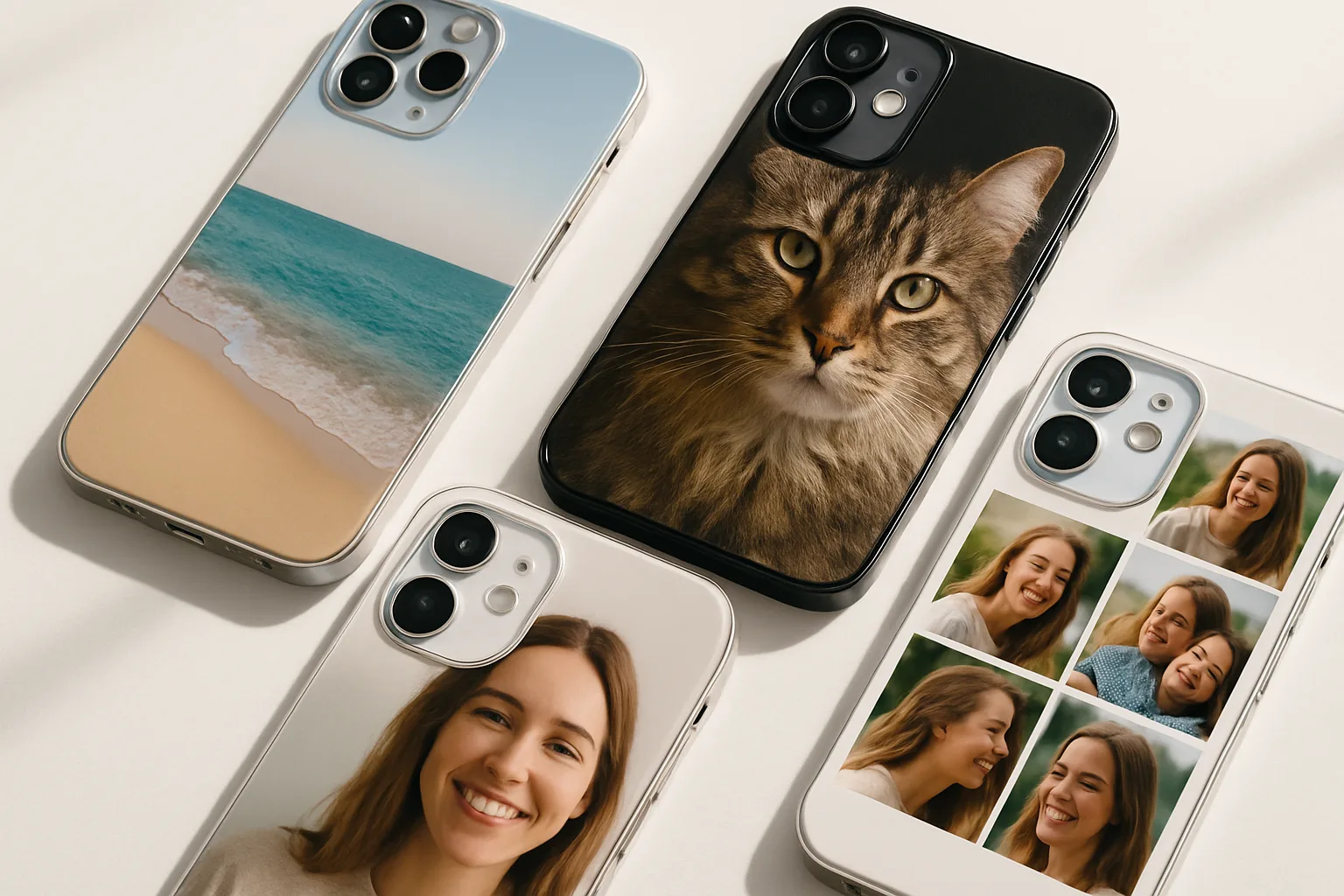
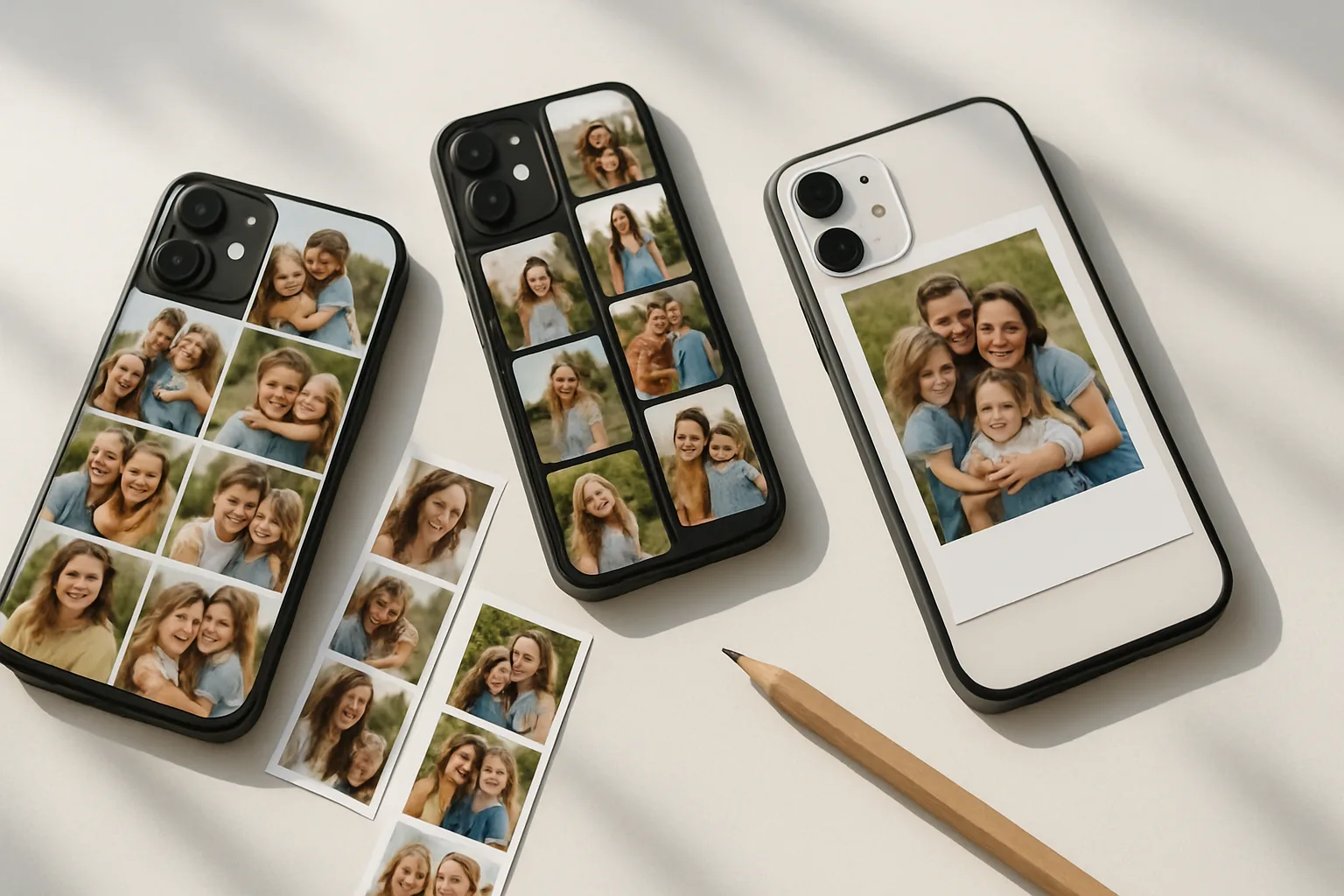
- Consider a collage for multi-pet families. Two or three images can work if each has simple, light backgrounds. Avoid tiny tiles with lots of micro faces.
- Add name text only if it serves the design. Short names in a clean font, placed away from the cut-out and edges, stay legible. Busy script over detailed fur can disappear.
If you are new to personalised designs, our main hub for personalised phone cases shows the flow, from choosing your model to preview and checkout. You can also browse personalised phone accessories if you want a matching pet-photo grip or wireless charger look to round out the gift.
Picking the right photo for your breed, colour and personality
Different coats and shapes call for different treatment. Here is what we see print best across common pet looks.
- Black dogs and cats: avoid dim rooms. Use bright window light and angle the face slightly so highlights define the muzzle and eyes. Lift shadows a touch in editing, not too much.
- Fluffy or curly coats: keep enough space around the head so the fur is not cropped awkwardly. A plain background helps every curl read cleanly.
- White or pale fur: watch for blown highlights in strong sun. Slight shade or cloudy light keeps texture in the coat.
- Fast movers: use burst mode while they play, then pick the one with the clearest eyes and least motion blur.
Editing tips that actually help print
You do not need advanced software. The standard editor on your phone is fine. Aim for clean, true-to-life adjustments.
- Straighten and crop first. Set the framing for your case model. Leave a margin around the head so you have room to nudge the image in the preview.
- Exposure and contrast: brighten just enough to see eye detail. Add a little contrast so the fur has depth, but avoid crushing shadows.
- Colour temperature: warm by a notch if the image looks blue from shade. Cool slightly if indoor bulbs made it too orange.
- Sharpening: a light touch is plenty. Heavy sharpening creates halos on whiskers and edges that print harshly.
- Remove distractions: a quick spot-heal can tidy dribble on a jowl or fluff on a jumper. Keep it natural.
Ordering with Design My Case
We print for a wide range of makes, so you can design for the phone you have now, or the upgrade you plan next. Browse dedicated pages for popular models such as Google Pixel, Huawei, or Sony. If you need delivery timings or shipping options before you buy, check our production and delivery guide.
If you ever have a question about ordering, care, or the design tool itself, our FAQs cover the basics in one place.
Making it gift-ready
A pet phone case lands well for birthdays, new pet days, Mother’s Day, Father’s Day, or as a thoughtful pick-me-up. If it is a surprise, borrow a high quality photo from the recipient’s social feed or shared album, then choose their exact phone model so the fit is right. Add subtle text like a name or a short date only if it adds meaning. Most recipients prefer a clean full-photo look.
If you are putting together a set, pair the case with a small accessory that shares the same photo or colour palette. It feels considered without inflating the budget.
Care and longevity tips
Printed cases are tough, but a little care keeps them looking fresh for longer.
- Clean with a soft microfibre cloth slightly dampened with water. Skip harsh cleaners and rough sponges that can scuff the surface.
- Avoid prolonged rubbing against rough surfaces at the bottom of a bag. A simple pocket or sleeve helps.
- If you add stickers later, test on a small area first so adhesive does not mark the print when removed.
Common layout pitfalls to avoid
- Important details too close to edges. Leave a safe margin around ears, names and noses so nothing trims off.
- Busy collages. Three strong photos beat nine tiny ones. Tiny faces lose charm when shrunk to case size.
- Over-edited filters. Extreme HDR or heavy vignette looks odd on a glossy case. Keep it simple and true.
- Low-res screenshots. Always upload the original photo file, not a screenshot from a chat app.
Ready to create?
If you have the shot, you are halfway there. Upload it, try a bold close crop, and preview around the camera cut-out until it feels balanced. Your pet already does the heavy lifting, you are just giving them the stage. If you want to explore more ideas beyond pets, the main Personalised Phone Cases & Covers page is a good starting point, and the blog has practical reads on protection and case choices.
Frequently asked questions
What image size do I need for a pet phone case?
Aim for a clear photo roughly 2000 to 3000 pixels on the short edge. Bigger is fine. Tiny or blurred images may print soft.
Can I use multiple photos of my pets on one case?
Yes, simple two or three-image layouts work well. Keep each photo clean and leave space so faces do not crowd the camera cut-out.
Will my design fit my exact phone model?
Choose your specific model in the builder before uploading. The live preview shows how the image sits around the camera and edges.
Do indoor photos print well?
They can, if the light is good. Shoot near a bright window and avoid mixed lighting that adds odd colour casts.
How long does delivery take?
Check our Production and Delivery page for current timelines. It covers printing times and shipping options for your location.