Home / Blog / Children's Artwork Phone Case: How to Turn Drawings Into a Personalised Cover
Gift IdeasChildren's Artwork Phone Case: How to Turn Drawings Into a Personalised Cover
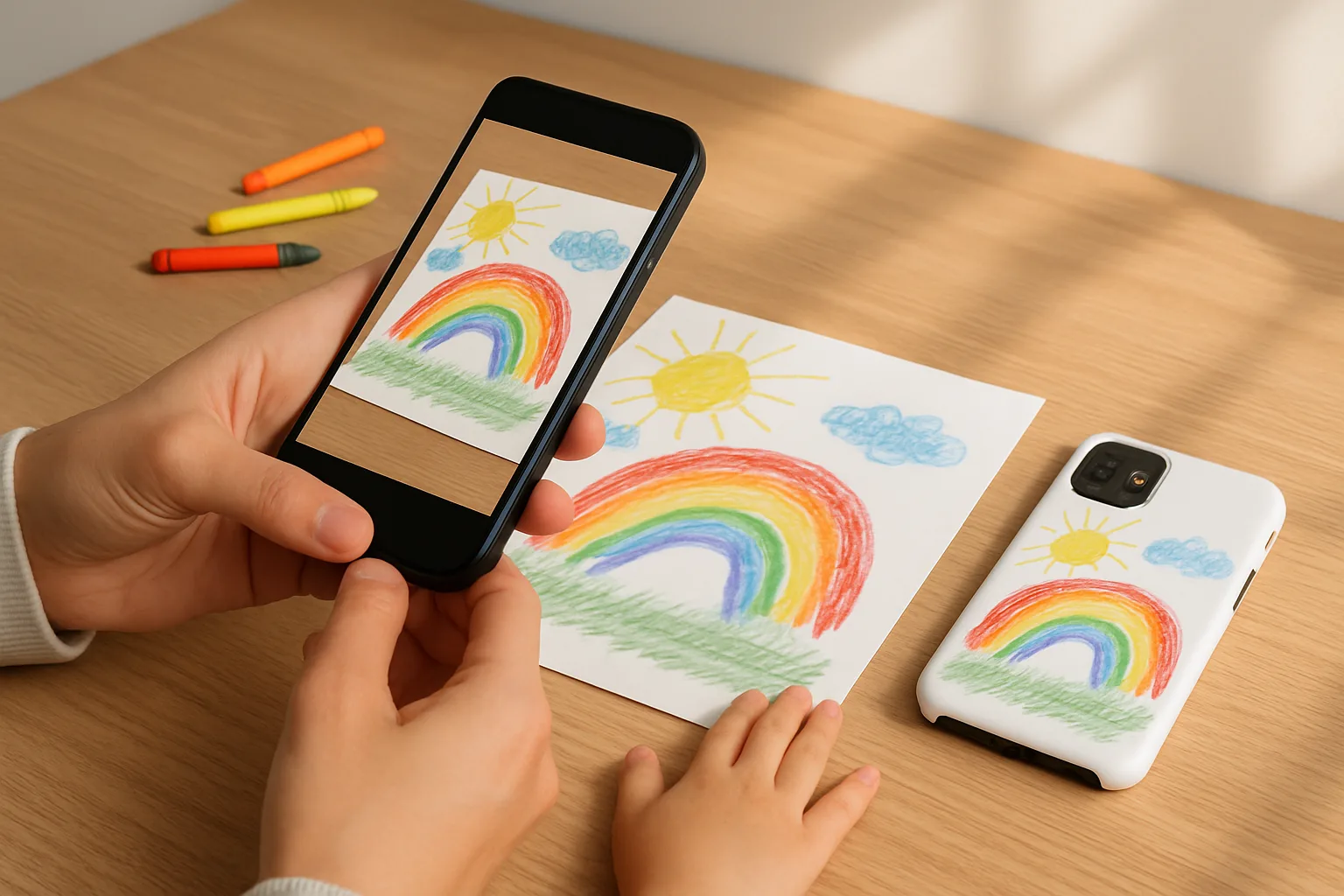
There is nothing quite like seeing your child's sketch on something you use every day. A children's artwork phone case keeps those wobbly stars and bold rainbows close, and it makes a gift that feels properly personal. Below, we explain how to capture the drawing, prepare the file, and design a clean, durable case that does the art justice.
Why a children's artwork phone case makes a brilliant gift
Grandparents melt. Godparents grin. Parents get a little teary. Children's drawings are pure character, so putting one on a case is a small daily joy. It also solves a practical problem. Paper fades, frays and gets lost. A printed case preserves the moment and takes the pressure off the fridge door. If you are ordering for a specific phone model, you can browse our range of Personalised Phone Cases to get the right fit before you start.
How to create a children's artwork phone case, step by step
1) Choose the right drawing
- Bold lines and strong colour blocks print best. Crayon, felt tip and paint usually work well.
- Avoid very pale pencil sketches. If the drawing is faint, ask your child to go over the lines with a darker pen.
- Keep background clutter minimal. A simple white sheet helps the art stand out when printed.
2) Capture the artwork
- Scan if you can. A flatbed scanner at 300 dpi or higher gives a clean, even result.
- Or use your phone's camera. Shoot in bright, natural light. Lay the paper flat, stand directly above it, and avoid shadows. Tap to focus. Fill the frame.
- Place a clean sheet of white paper beneath to keep colours true and edges neat.
3) Tidy the image before you upload
- Crop tight around the drawing. Leave a small border if you want a floating look.
- Straighten the image so lines look level on the case.
- Boost brightness and contrast gently so colours pop, but do not overdo it. You want the original feel intact.
- Save as JPG or PNG at the highest quality your device allows.
4) Plan your layout
- Check camera and button cut-outs for your phone model. Keep key faces and names away from those areas.
- If the drawing is square, consider centring it on a plain background colour. If it is tall, a full-bleed layout can look striking.
- Add a small caption or the child's name and age if you like. A subtle font in one corner works well.
Design tips that make the print look professional
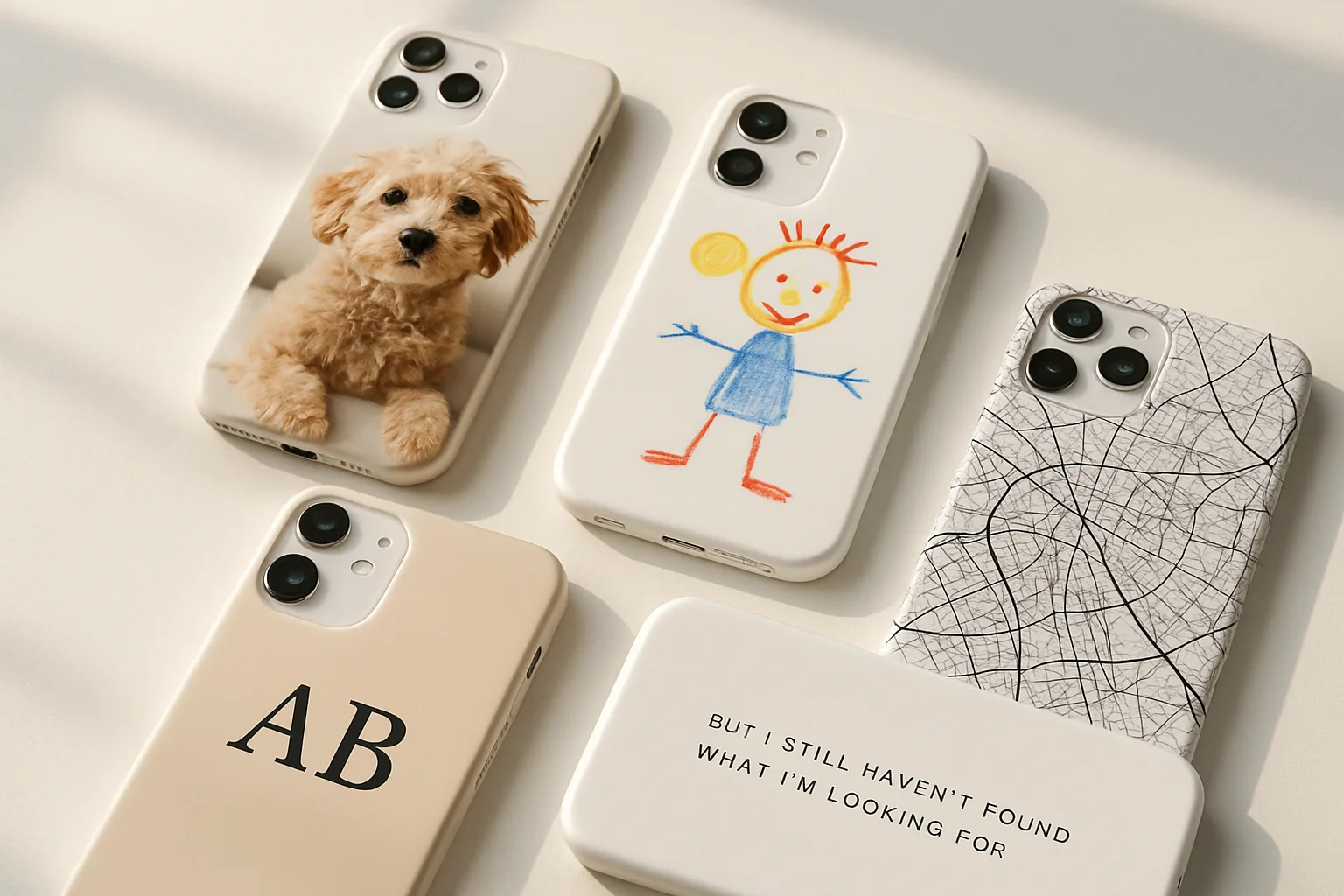
- Simplicity wins. One strong drawing beats a busy collage. If you do want multiple doodles, arrange them with even spacing and a shared background colour.
- Mind the edges. Phone cases curve. Keep important details 5 to 8 mm in from the edge so they do not wrap too far round.
- True-to-life colour. What you see on a backlit screen is always a touch brighter than print. Slightly lifting brightness and warmth helps maintain the cheerful feel of felt tips and paint.
- Texture is fine. Paper grain and little paint ridges add charm. Do not scrub them out completely.
Ordering your case at Design My Case
Once your file is ready, choose the phone model and upload the image in our builder. You will see a live preview, so you can nudge the artwork away from the camera area and check spacing. If you are gifting, double-check you have picked the right device family. We cover popular ranges like iPhone and Samsung, among others.
For timing, our Production and Delivery page explains how dispatch works and what to expect. If you are sending it straight to the recipient, add their address at checkout and include a short gift note. For peace of mind, our Money Back Guarantee Policy sets out how we put things right if something is not as expected.
Ideas to make it extra special
- Match the wallpaper. Crop a small motif from the drawing, repeat it as a soft pattern for the background, then place the main character in the centre.
- Front and back story. Use the main drawing on the case, then set the lock screen wallpaper to a photo of the artist holding their masterpiece.
- Seasonal sets. Snowman for winter, sunflower for summer. Swap cases through the year and keep the collection in a memory box.
- Coordinate accessories. A case and a matching cable tidy or grip makes a tidy bundle. You can explore Personalised Phone Accessories if you want a set.
If you try this, do it together. Let your child help choose the background colour or pick where their name sits. The joy is not only the finished case, it is the five minutes spent choosing purple over teal and announcing why stars must have smiley faces.
Frequently asked questions
What image quality do I need for a kids custom phone case?
Aim for a clear scan at 300 dpi or a sharp phone photo in good light. Save as a high-quality JPG or PNG so the lines stay crisp when printed.
How do I photograph a drawing without shadows or wonky angles?
Shoot in bright daylight by a window, turn off overhead lights, and hold the camera directly above the paper. Use gridlines to square it and tap to focus.
Will light pencil marks show up on the printed case?
Very pale pencil can look faint in print. If possible, trace the lines with a darker pen or increase contrast slightly before uploading.
Can I combine several drawings on one custom drawing phone case?
Yes. Create a simple collage with even spacing and a shared background colour. Keep key details away from the camera cut-out area.
Does Design My Case support my phone model?
We cover major models and families including iPhone and Samsung. Check the category pages before you design to be sure you pick the correct device.